修改elementui的el-popover的样式
AI 摘要鱼粮不足,AI 今天先歇着 · 正文在下面
前言
昨天给商家系统增加了个意见反馈的功能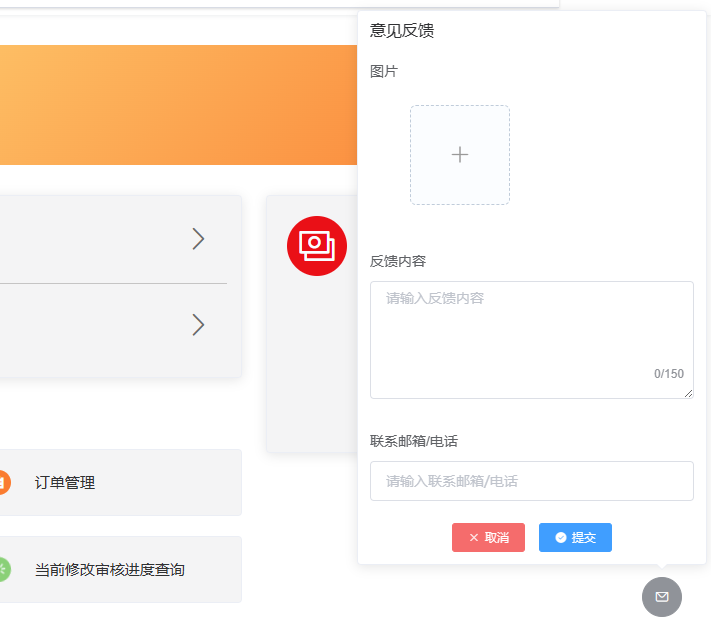
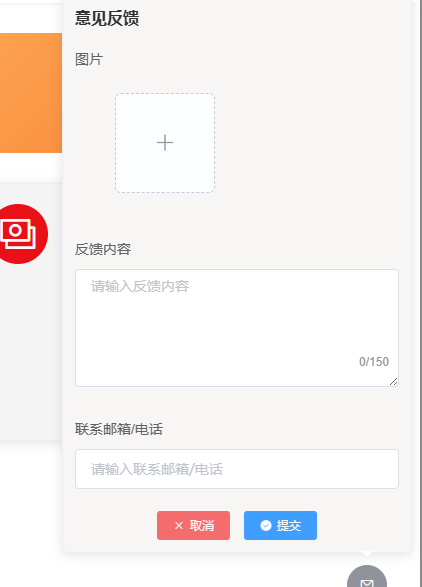
但标题想改更粗些,也换一下背景色,使用<style scoped>xxxx</style>
修改样式一直没成功,查看dom后发现popover的dom创建在了最外层,如图:
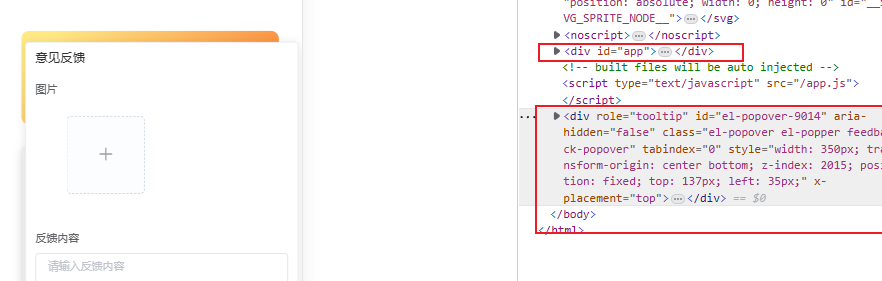
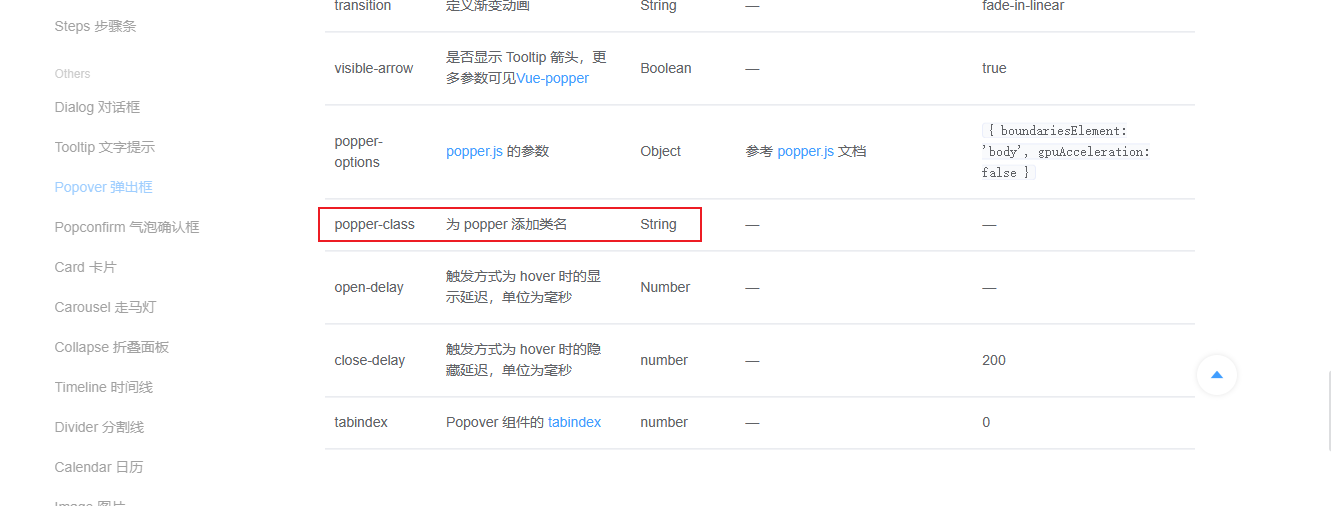
我们得换成<style>xxx</style>,但这样可能会影响全局样式,去查看文档后发现官方提供了个属性popper-class,可以为popper其添加类名
代码
html
<template>
  <div class="main">
    <el-popover popper-class="feedback-popover" placement="top" width="350" title="意见反馈" v-model="visible">
      <el-form ref="feedback" :model="entity" :rules="ruleForm" label-position="top" align="left">
        <el-form-item prop="img">
          <div>图片</div>
          <multi-img-upload v-model="entity.img"/>
        </el-form-item>
        <el-form-item prop="content">
          <div>反馈内容</div>
          <el-input placeholder="请输入反馈内容" type="textarea" maxlength="150" v-model="entity.content" rows="5"
                    show-word-limit clearable/>
        </el-form-item>
        <el-form-item prop="contactWay">
          <div>联系邮箱/电话</div>
          <el-input v-model="entity.contactWay" placeholder="请输入联系邮箱/电话" clearable/>
        </el-form-item>
      </el-form>
      <div style="text-align: center;margin: 0">
        <el-button size="mini" icon="el-icon-close" type="danger" @click="visible = false">取消</el-button>
        <el-button icon="el-icon-success" type="primary" size="mini" @click="submit">提交</el-button>
      </div>
      <el-button slot="reference" class="feedback-btn" type="info" icon="el-icon-message" circle></el-button>
    </el-popover>
  </div>
</template>

<script>
import {feedbackAdd} from "@/api/operation-api";

export default {
  name: "Feedback",
  data() {
    return {
      visible: false,
      entity: {},
      ruleForm: {
        content: [{required: true, message: '请输入反馈内容', trigger: 'blur'}],
        img: [{required: false, message: '请上传图片', trigger: 'blur'}],
        contactWay: [{required: true, message: '请输入联系方式', trigger: 'blur'}, {
          max: 255,
          message: '联系方式长度在255个字符内'
        }],
      }
    }
  },
  methods: {
    /**
     * 提交反馈意见
     */
    async submit() {
      let validResult;
      this.$refs.feedback.validate(valid => {
        validResult = valid;
      });
      if (!validResult) {
        return;
      }
      const result = await feedbackAdd(this.entity);
      this.resultMessage(result);
      this.visible = false;
    }
  },
}
</script>

<style>
.feedback-btn {
  position: fixed;
  right: 30px;
  bottom: 100px;
}

/*!*修改最外层div背景色*!*/
.el-popover.feedback-popover {
  background-color: #f8f5f5;
}

/*修改标题样式*/
.feedback-popover .el-popover__title {
  font-weight: bold;
}
</style>效果
评论
0 条—
还没有评论,来说第一句