Java使用easypoi-spring-boot-starter,顺带记录异常
AI 摘要salmon-ai
本文详细解析了在 Spring Boot 项目中使用 easypoi-spring-boot-starter 导出 Excel 时出现的 NoClassDefFoundError 异常及其解决过程。文章指出
问题
今天做报表导出功能,抛出了异常
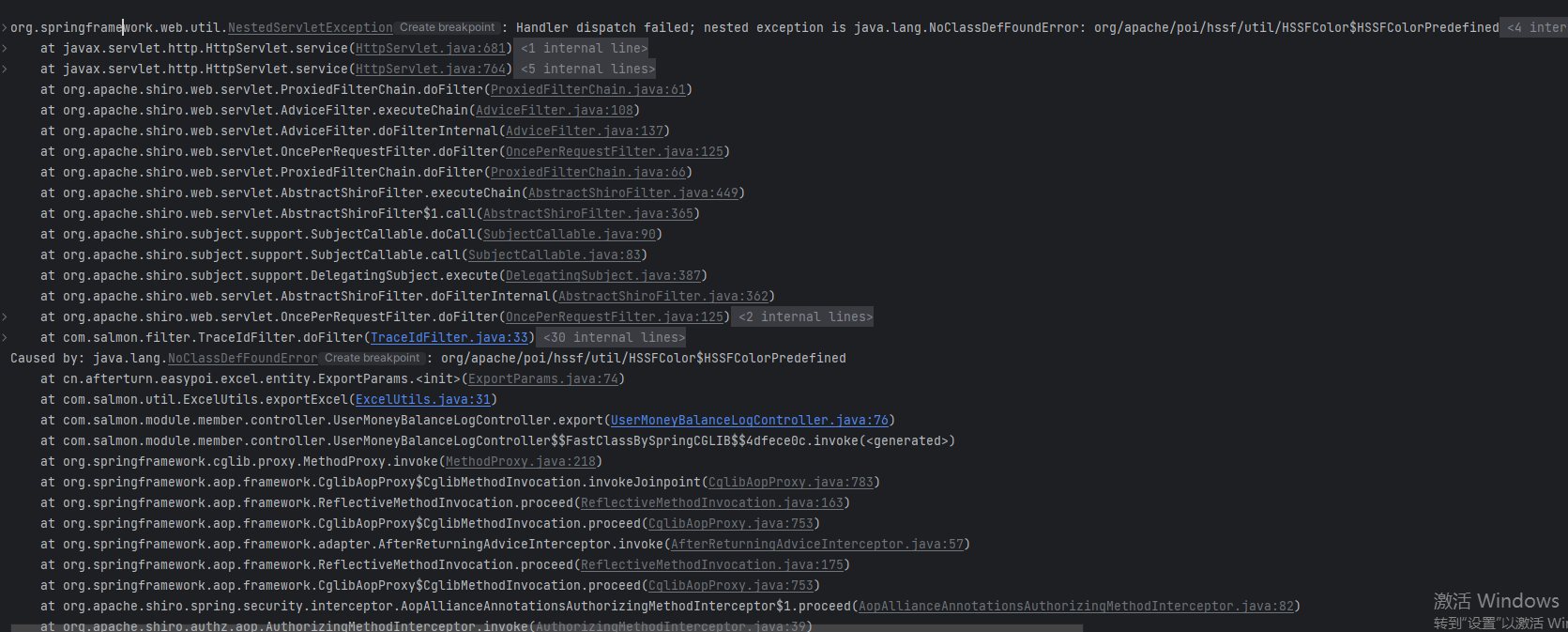
可以看到,主要是没找到这个类Caused by: java.lang.NoClassDefFoundError: org/apache/poi/hssf/util/HSSFColor$HSSFColorPredefined
这是我的maven依赖
xml
<dependency>
    <groupId>cn.afterturn</groupId>
    <artifactId>easypoi-spring-boot-starter</artifactId>
    <version>4.1.2</version>
</dependency>
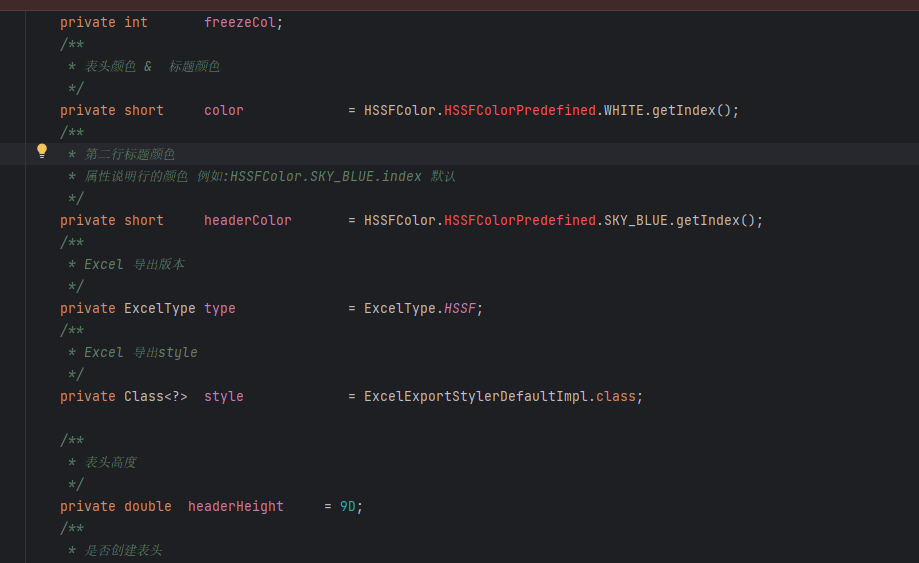
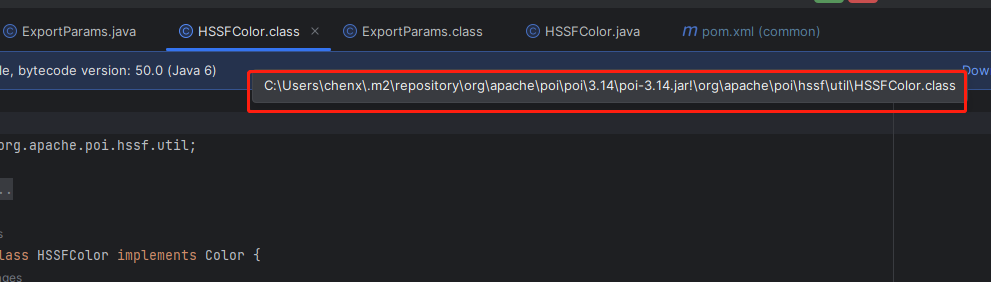
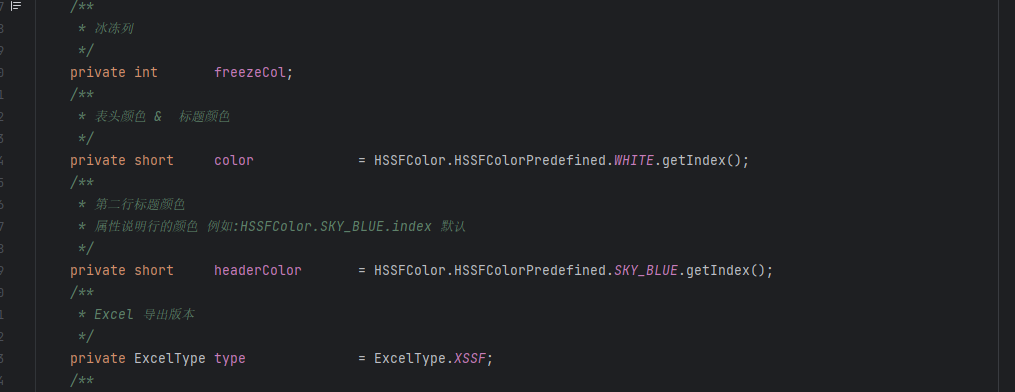
查看了下源码,发现确实找不到该类
看到他引用的是3.14版本
解决
而我项目中需要引用的是easypoi的依赖4.1.0版本,这就很神奇,尝试清理缓存
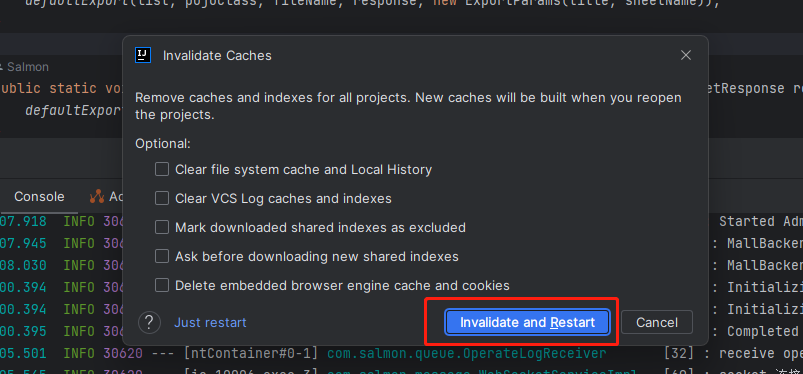
并对依赖做了排除,自己引入指定版本的依赖
xml
<dependency>
    <groupId>cn.afterturn</groupId>
    <artifactId>easypoi-spring-boot-starter</artifactId>
    <version>4.4.0</version>
    <exclusions>
        <exclusion>
            <groupId>org.apache.poi</groupId>
            <artifactId>poi</artifactId>
        </exclusion>
    </exclusions>
</dependency>
<dependency>
    <groupId>org.apache.poi</groupId>
    <artifactId>poi</artifactId>
    <version>4.1.0</version>
</dependency>发现没有爆红了
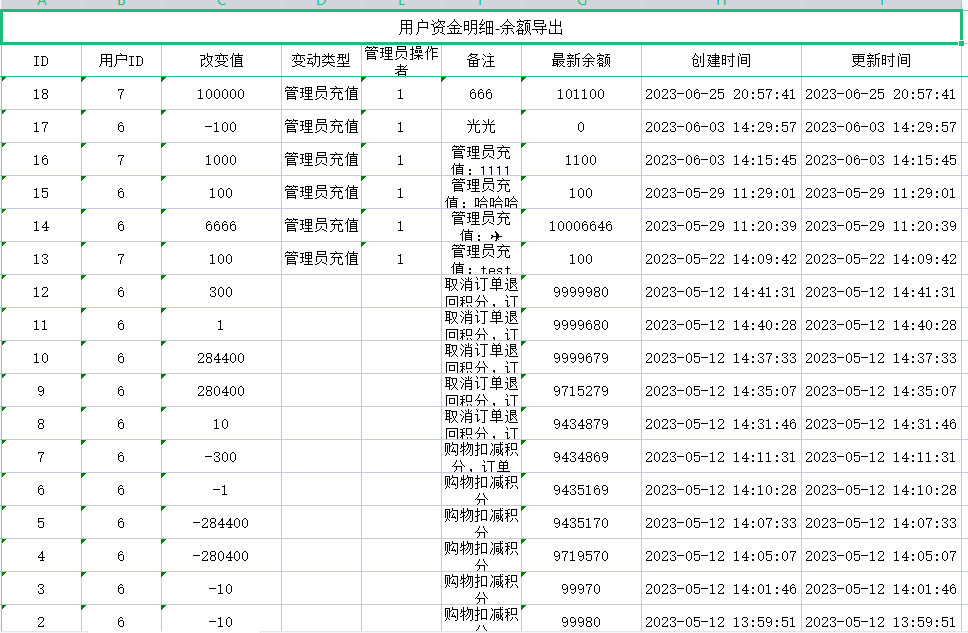
重启服务,再次导出,可以看到成功了
但可以看到一些警告错误

这些警告信息是由Java 9及更高版本中的模块系统所引起的,它们表明easypoi在运行时发生了非法的反射访问操作,但这只能等easypoi作者解决这个异常警告了。
附录
ExcelUtils工具类
java
package com.salmon.util;

import cn.afterturn.easypoi.excel.ExcelExportUtil;
import cn.afterturn.easypoi.excel.ExcelImportUtil;
import cn.afterturn.easypoi.excel.entity.ExportParams;
import cn.afterturn.easypoi.excel.entity.ImportParams;
import cn.afterturn.easypoi.excel.entity.enmus.ExcelType;
import lombok.extern.slf4j.Slf4j;
import org.apache.commons.lang3.StringUtils;
import org.apache.poi.ss.usermodel.Workbook;
import org.springframework.web.multipart.MultipartFile;

import javax.servlet.http.HttpServletResponse;
import java.io.File;
import java.io.IOException;
import java.net.URLEncoder;
import java.nio.charset.StandardCharsets;
import java.util.List;
import java.util.Map;
import java.util.NoSuchElementException;

/**
 * Excel导入导出工具类
 *
 * @author Salmon
 * @since 2023-07-14
 */
@Slf4j
public class ExcelUtils {
    public static void exportExcel(List<?> list, String title, String sheetName, Class<?> pojoClass, String fileName,
                                   boolean isCreateHeader, HttpServletResponse response) {
        ExportParams exportParams = new ExportParams(title, sheetName);
        exportParams.setCreateHeadRows(isCreateHeader);
        defaultExport(list, pojoClass, fileName, response, exportParams);
    }

    public static void exportExcel(List<?> list, String title, String sheetName, Class<?> pojoClass, String fileName,
                                   HttpServletResponse response) {
        defaultExport(list, pojoClass, fileName, response, new ExportParams(title, sheetName));
    }

    public static void exportExcel(List<Map<String, Object>> list, String fileName, HttpServletResponse response) {
        defaultExport(list, fileName, response);
    }

    private static void defaultExport(List<?> list, Class<?> pojoClass, String fileName, HttpServletResponse response,
                                      ExportParams exportParams) {
        exportParams.setMaxNum(500000);
        exportParams.setType(ExcelType.XSSF);
        Workbook workbook = ExcelExportUtil.exportExcel(exportParams, pojoClass, list);
        if (workbook != null) {
            downLoadExcel(fileName, response, workbook);
        }
    }

    private static void downLoadExcel(String fileName, HttpServletResponse response, Workbook workbook) {
        try {
            response.setCharacterEncoding("UTF-8");
            response.setHeader("content-Type", "application/vnd.ms-excel");
            response.setHeader("Content-Disposition", "attachment;filename=" + URLEncoder.encode(fileName, StandardCharsets.UTF_8));
            workbook.write(response.getOutputStream());
        } catch (IOException e) {
            log.error("download excel error:{}", e.getMessage());
        }
    }

    private static void defaultExport(List<Map<String, Object>> list, String fileName, HttpServletResponse response) {
        Workbook workbook = ExcelExportUtil.exportExcel(list, ExcelType.HSSF);
        if (workbook != null) {
            downLoadExcel(fileName, response, workbook);
        }
    }

    public static <T> List<T> importExcel(String filePath, Integer titleRows, Integer headerRows, Class<T> pojoClass) {
        if (StringUtils.isBlank(filePath)) {
            return null;
        }
        ImportParams params = new ImportParams();
        params.setTitleRows(titleRows);
        params.setHeadRows(headerRows);
        List<T> list = null;
        try {
            list = ExcelImportUtil.importExcel(new File(filePath), pojoClass, params);
        } catch (NoSuchElementException e) {
            log.error("import excel error:{}", "模板不能为空");
        } catch (Exception e) {
            e.printStackTrace();
            log.error("import excel error:{}", e.getMessage());
        }
        return list;
    }

    public static <T> List<T> importExcel(MultipartFile file, Integer titleRows, Integer headerRows, Class<T> pojoClass) {
        if (file == null) {
            return null;
        }
        ImportParams params = new ImportParams();
        params.setTitleRows(titleRows);
        params.setHeadRows(headerRows);
        List<T> list = null;
        try {
            list = ExcelImportUtil.importExcel(file.getInputStream(), pojoClass, params);
        } catch (NoSuchElementException e) {
            log.error("import excel error:{}", "excel文件不能为空");
        } catch (Exception e) {
            log.error("import excel error:{}", e.getMessage());
        }
        return list;
    }

}使用示例
java
@PostMapping("/export")
@RequiresPermissions("advertise:adBuySlaveOrder:export")
@ApiOperation(value = "导出")
@OperateLog(methodDesc = "导出adBuySlaveOrder", moduleName = "adBuySlaveOrder")
public void export(HttpServletResponse response, @RequestBody AdBuySlaveOrderPageParam pageParam) {
    pageParam.setPageNumber(1).setPageSize(Integer.MAX_VALUE);
    List<AdBuySlaveOrder> records = adBuySlaveOrderService.page(pageParam).getData().getRecords();
    // 导出操作
    ExcelUtils.exportExcel(records, "广告购买订单-子单导出", "广告购买订单-子单sheet1", AdBuySlaveOrder.class, DateUtil.format(new Date(), "yyyy-MM-dd") + "广告购买订单-子单.xls", response);
}评论
0 条—
还没有评论,来说第一句