Java使用Jsoup进行爬虫
AI 摘要鱼粮不足,AI 今天先歇着 · 正文在下面
前言
python爬虫有很多开源的强大库,让爬虫变得高效简单。当然,Java这边也有强大的库,下边简单介绍使用。
教程
1.环境准备
我这里的示例是Java17+Gradle+SpringBoot+Jsoup,下边是依赖,主要依赖是
gradle
implementation 'org.jsoup:jsoup:1.15.4'Maven的写法是
xml
<dependency>
    <groupId>org.jsoup</groupId>
    <artifactId>jsoup</artifactId>
    <version>1.15.4</version>
</dependency>
2.示例网站
我们要爬取一个网站,首先得了解这个网站的页面设计,元素,以及我们所需要的页面元素,这里我以【起点中文网】为例。
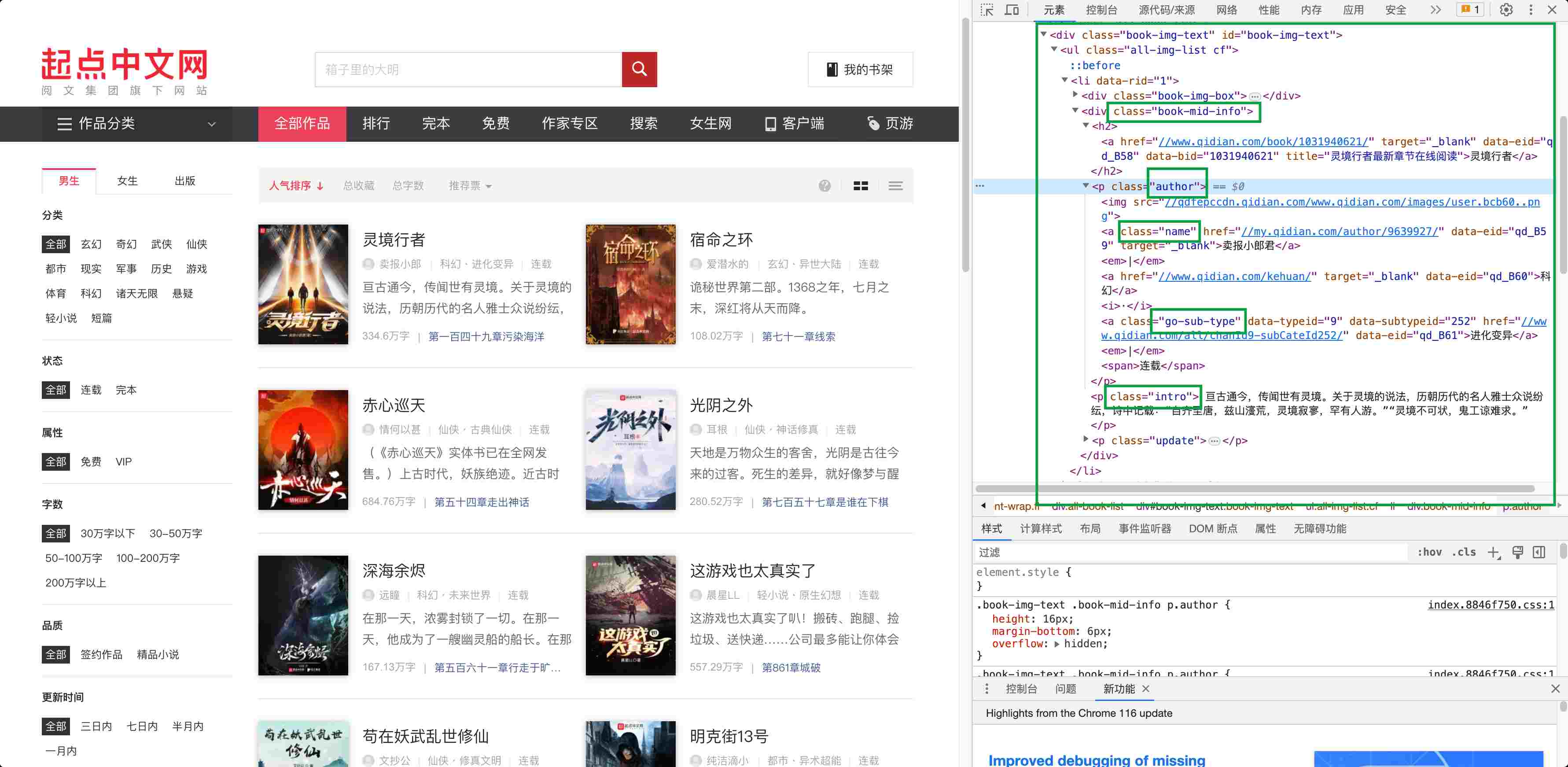
可以看到他首页的每部小说的item的class,我们就关注这几个class,来获取关键信息即可。
3.示例代码
爬虫测试Service
java
/**
 * 爬虫服务
 *
 * @author Salmon
 * @since 2023-08-25
 */
public interface ICrawlerService {
    void test();
}
爬虫测试ServiceImpl
java
/**
 * 爬虫服务实现
 *
 * @author Salmon
 * @since 2023-08-25
 */
@Service
@Slf4j
public class CrawlerServiceImpl(){
    //网页域名
    private final String DOMAIN = "https://www.qidian.com";

    @Override
    public void test() {
        try {
            Document document = getHtml(DOMAIN + "/all");
            //获取第一个 .book-img-box 的img标签
            Element bookImg = document.selectFirst(".book-img-box img");
            if (Objects.nonNull(bookImg)) {
                log.info("封面:{}", bookImg.attr("src"));
            }
            Element bookName = document.selectFirst(".book-mid-info h2 a");
            if (Objects.nonNull(bookName)) {
                log.info("小说名称:{}", bookName.text());
            }
            Element author = document.selectFirst(".author a");
            if (Objects.nonNull(author)) {
                log.info("小说作者:{}", author.text());
            }
            Element desc = document.selectFirst(".intro");
            if (Objects.nonNull(desc)) {
                log.info("小说简介:{}", desc.text());
            }
        } catch (Exception e) {
            log.error("error", e);
        }
    }

    /**
     * 爬取页面
     *
     * @param url 访问路径
     * @return 页面
     * @throws IOException io异常
     */
    private Document getHtml(String url) throws IOException {
        Connection connect = Jsoup.connect(url);
        connect.timeout(15000)
        return connect.get();
    }


}4.测试
java
@SpringBootTest
@ActiveProfiles("dev")
public class ApplicationTests {
    @Test
    void test() {
        crawlerService.test();
    }
}
结果打印

5.补充
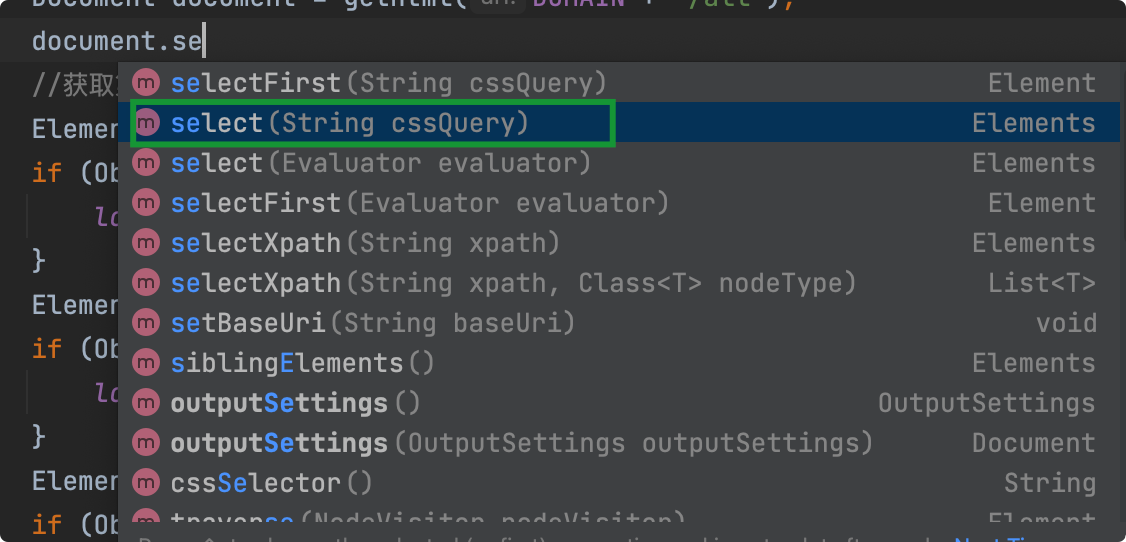
我这里是爬取单个小说的信息,所以用的selectFirst,代表获取当前页面首个这类class元素,如果要爬取整个列表,可以改用select。
评论
1 条
Salmon2023-08-27
喜欢的朋友注册下,点点赞吧~<img src= 'https://media.salmonedu.ltd/blog//emoji/%E6%97%BA%E8%B4%A2%2860%20x%2060%29.png' width='24'height='24' style='margin: 0 1px;vertical-align: text-bottom'/>