Docker ElasticSearch8 安装 ik 分词器
AI 摘要鱼粮不足,AI 今天先歇着 · 正文在下面
1、下载
ik分词器官方仓库地址:https://github.com/infinilabs/analysis-ik
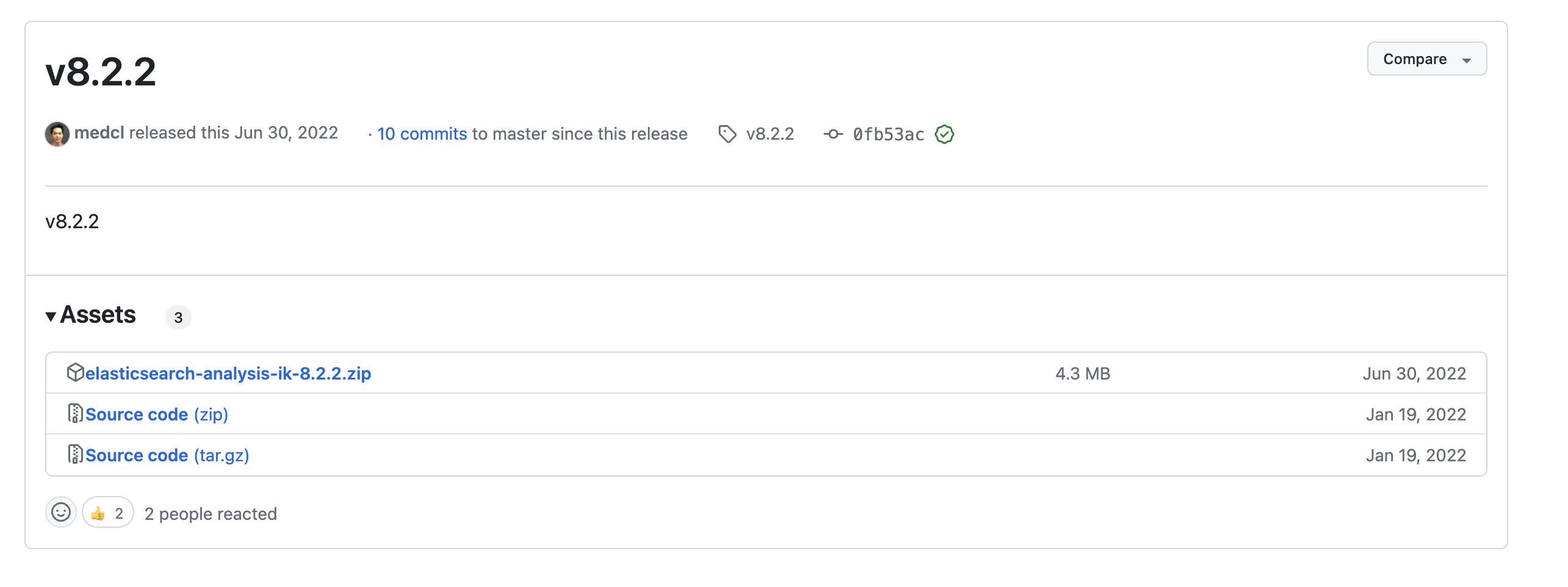
下载与es版本一致的插件包
https://github.com/medcl/elasticsearch-analysis-ik/releases
我这里的 es 版本 8.2.2,所以下载 8.2.2 的插件
2、安装
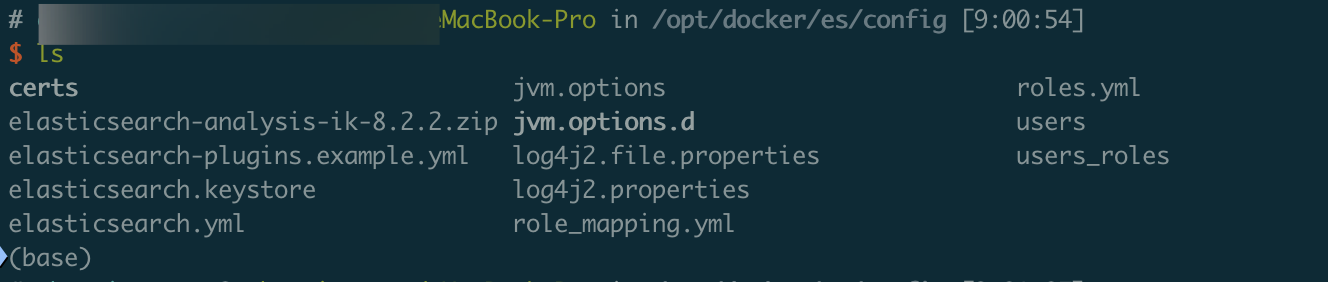
这里我的 es 是在 Docker 上跑的,故将插件放进本地映射目录下,比如我这里放在了 config 目录下
sh
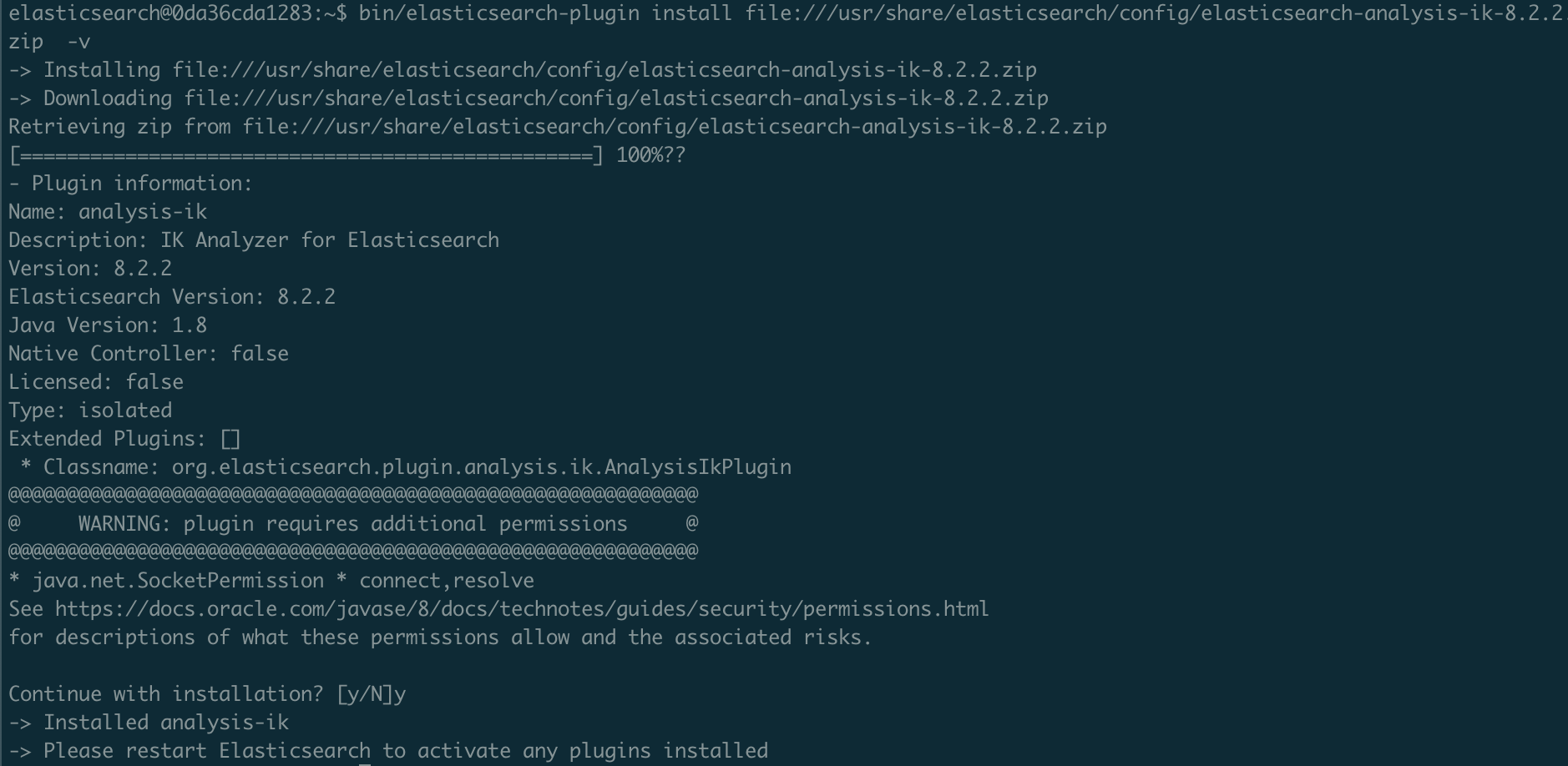
docker exec -it es8 /bin/bash

bin/elasticsearch-plugin install file:///usr/share/elasticsearch/config/elasticsearch-analysis-ik-8.2.2.zip  -v
也可以直接选择在线安装
sh
bin/elasticsearch-plugin install https://get.infini.cloud/elasticsearch/analysis-ik/8.2.2 -v这里我下载离线包了,就直接本地安装
3、测试
创建 index
sh
curl -XPUT -u elastic:123456 http://localhost:9200/index
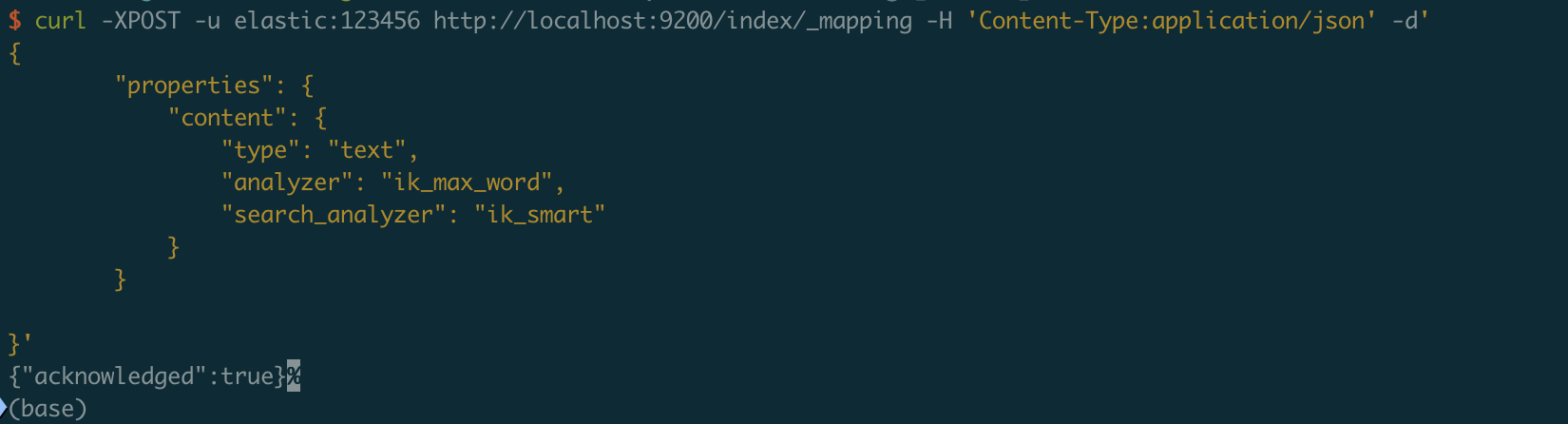
创建 mapping
sh
curl -XPOST -u elastic:123456 http://localhost:9200/index/_mapping -H 'Content-Type:application/json' -d'
{
        "properties": {
            "content": {
                "type": "text",
                "analyzer": "ik_max_word",
                "search_analyzer": "ik_smart"
            }
        }

}'
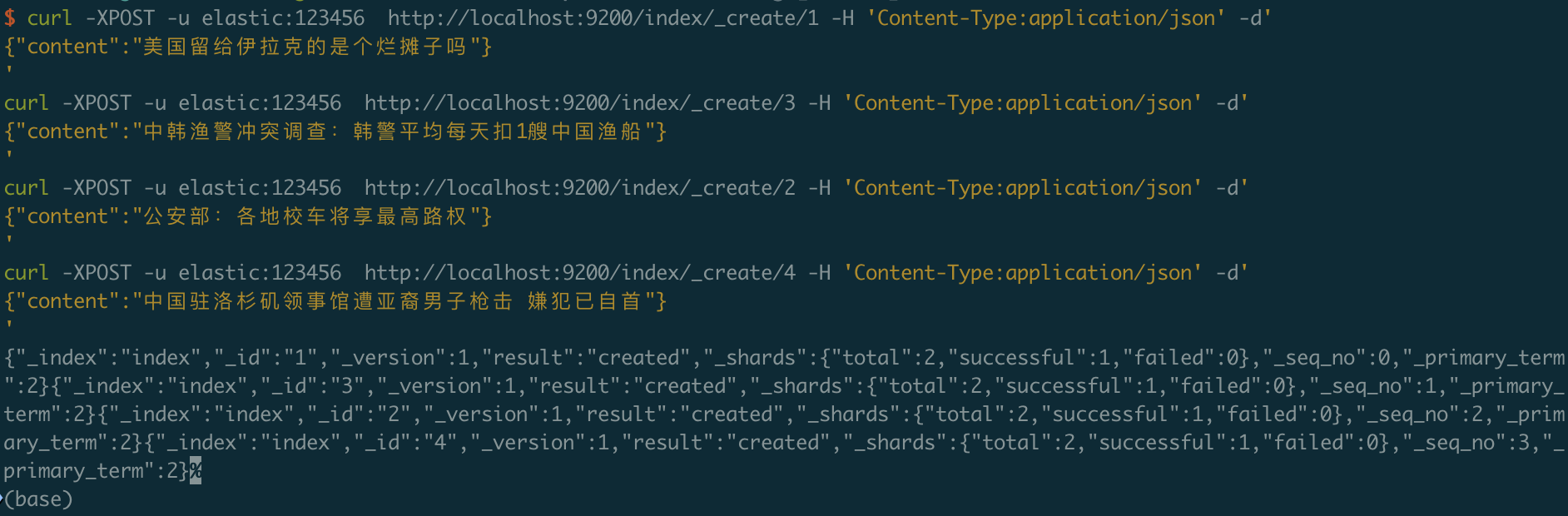
在 index 索引中创建一些文档
sh
curl -XPOST -u elastic:123456  http://localhost:9200/index/_create/1 -H 'Content-Type:application/json' -d'
{"content":"美国留给伊拉克的是个烂摊子吗"}
'
curl -XPOST -u elastic:123456  http://localhost:9200/index/_create/3 -H 'Content-Type:application/json' -d'
{"content":"中韩渔警冲突调查:韩警平均每天扣1艘中国渔船"}
'
curl -XPOST -u elastic:123456  http://localhost:9200/index/_create/2 -H 'Content-Type:application/json' -d'
{"content":"公安部:各地校车将享最高路权"}
'
curl -XPOST -u elastic:123456  http://localhost:9200/index/_create/4 -H 'Content-Type:application/json' -d'
{"content":"中国驻洛杉矶领事馆遭亚裔男子枪击 嫌犯已自首"}
'
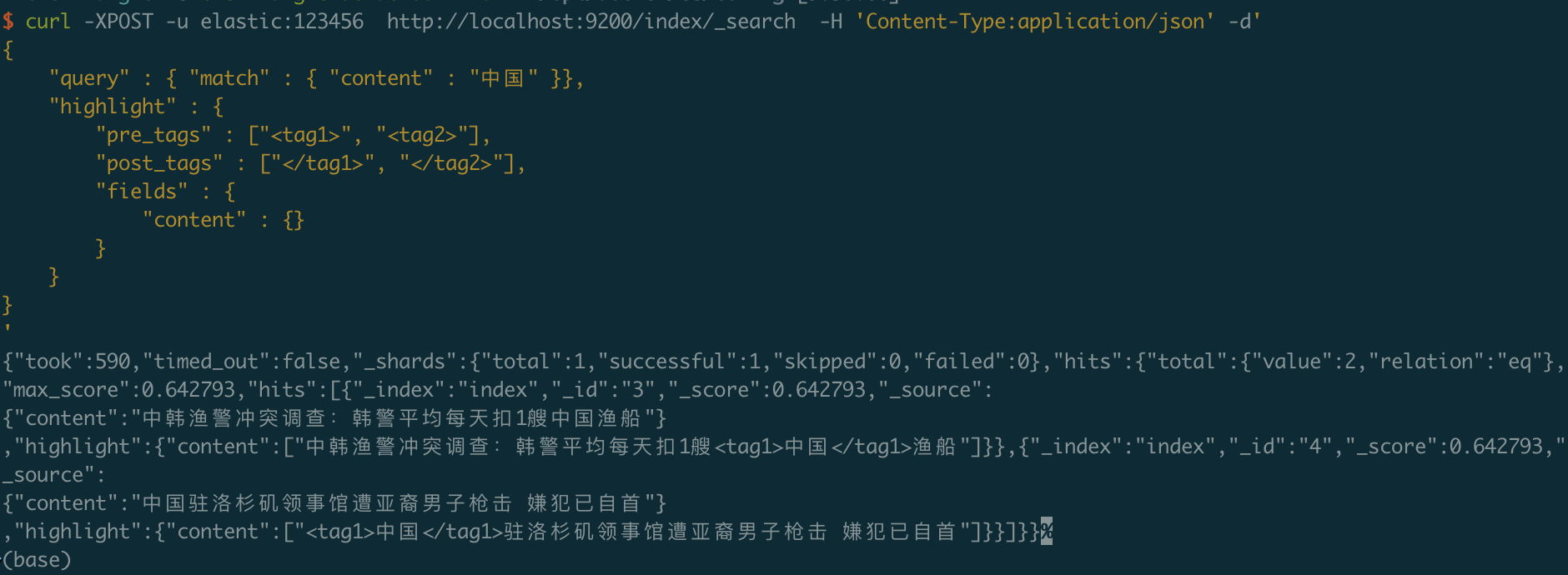
进行高亮查询
sh
curl -XPOST -u elastic:123456  http://localhost:9200/index/_search  -H 'Content-Type:application/json' -d'
{
    "query" : { "match" : { "content" : "中国" }},
    "highlight" : {
        "pre_tags" : ["<tag1>", "<tag2>"],
        "post_tags" : ["</tag1>", "</tag2>"],
        "fields" : {
            "content" : {}
        }
    }
}
'
查询结果
评论
0 条—
还没有评论,来说第一句