Linux CentOS 安装Docker
AI 摘要鱼粮不足,AI 今天先歇着 · 正文在下面
教程
Docker支持64位操作系统的Centos:
·Centos7
·Centos8
·更高版本...
使用官方脚本自动安装
安装命令如下:
powershell
curl -fsSL https://get.docker.com | bash -s docker --mirror Aliyun也可以使用国内daocloud一键安装命令:
powershell
curl -sSL https://get.daocloud.io/docker | sh手动安装
1、卸载旧版本
较旧的 Docker 版本称为 docker 或 docker-engine 。如果已安装这些程序,请卸载它们以及相关的依赖项。
bash
	yum remove docker \
                  docker-client \
                  docker-client-latest \
                  docker-common \
                  docker-latest \
                  docker-latest-logrotate \
                  docker-logrotate \
                  docker-engine
2、安装需要的包
powershell
yum install -y yum-utils3、设置镜像仓库
powershell
# 官方源(较慢)
yum-config-manager \
    --add-repo \
    https://download.docker.com/linux/centos/docker-ce.repo
# 阿里云源
yum-config-manager \
    --add-repo \
    http://mirrors.aliyun.com/docker-ce/linux/centos/docker-ce.repo
# 清华大学源
yum-config-manager \
    --add-repo \
    https://mirrors.tuna.tsinghua.edu.cn/docker-ce/linux/centos/docker-ce.repo
4、安装docker引擎
更新软件包索引
powershell
yum makecache fast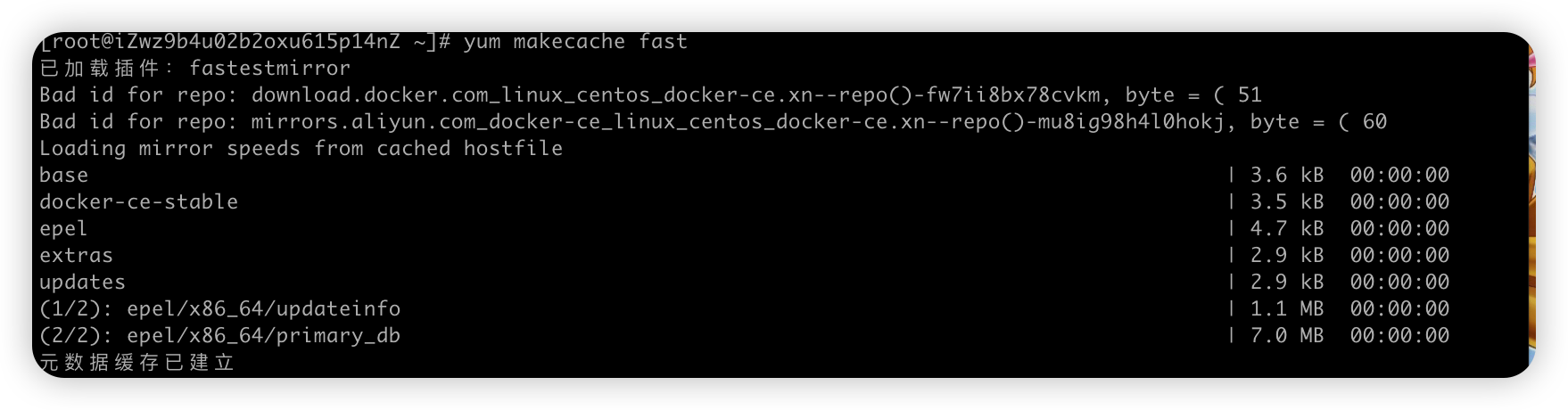
安装
powershell
yum install docker-ce docker-ce-cli containerd.io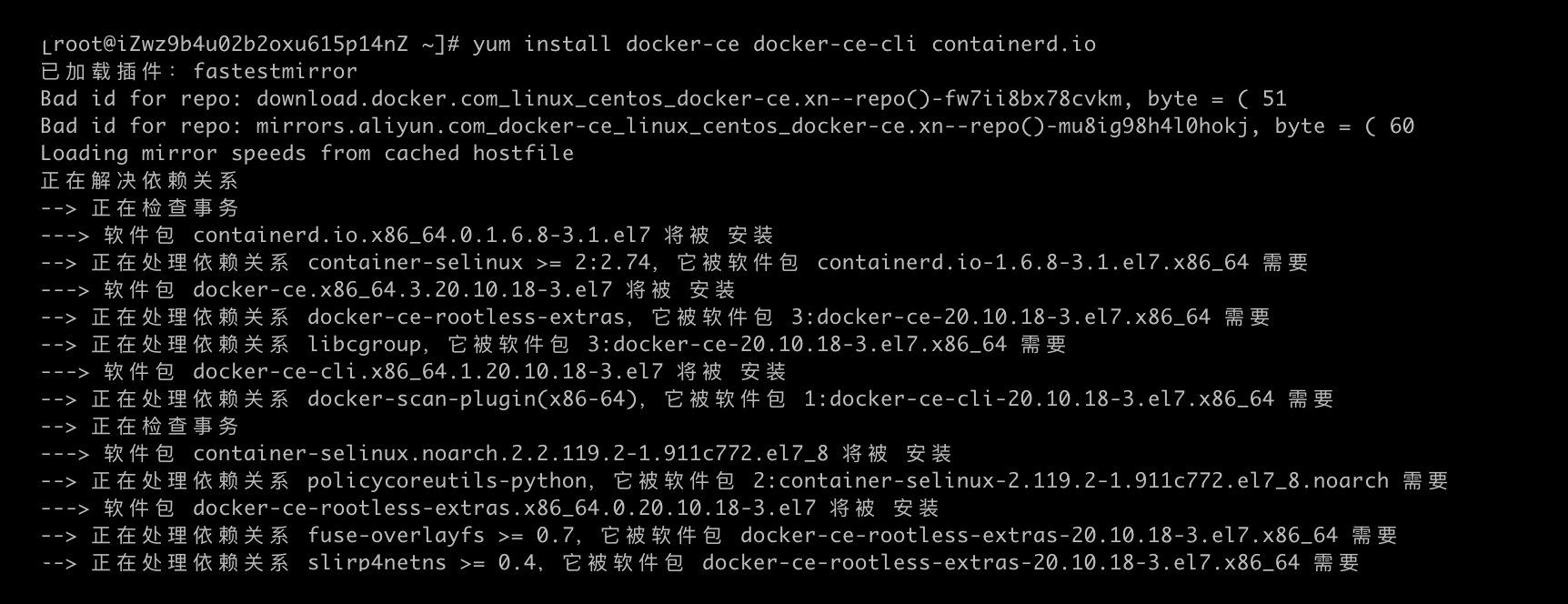
5、启动docker服务
powershell
systemctl start docker6、查看是否安装成功
powershell
docker version7、配置阿里云镜像加速
在阿里云容器镜像服务里,左边菜单栏有个镜像工具,点击就可以看到镜像加速器,参考官方的代码即可完成docker的镜像加速配置
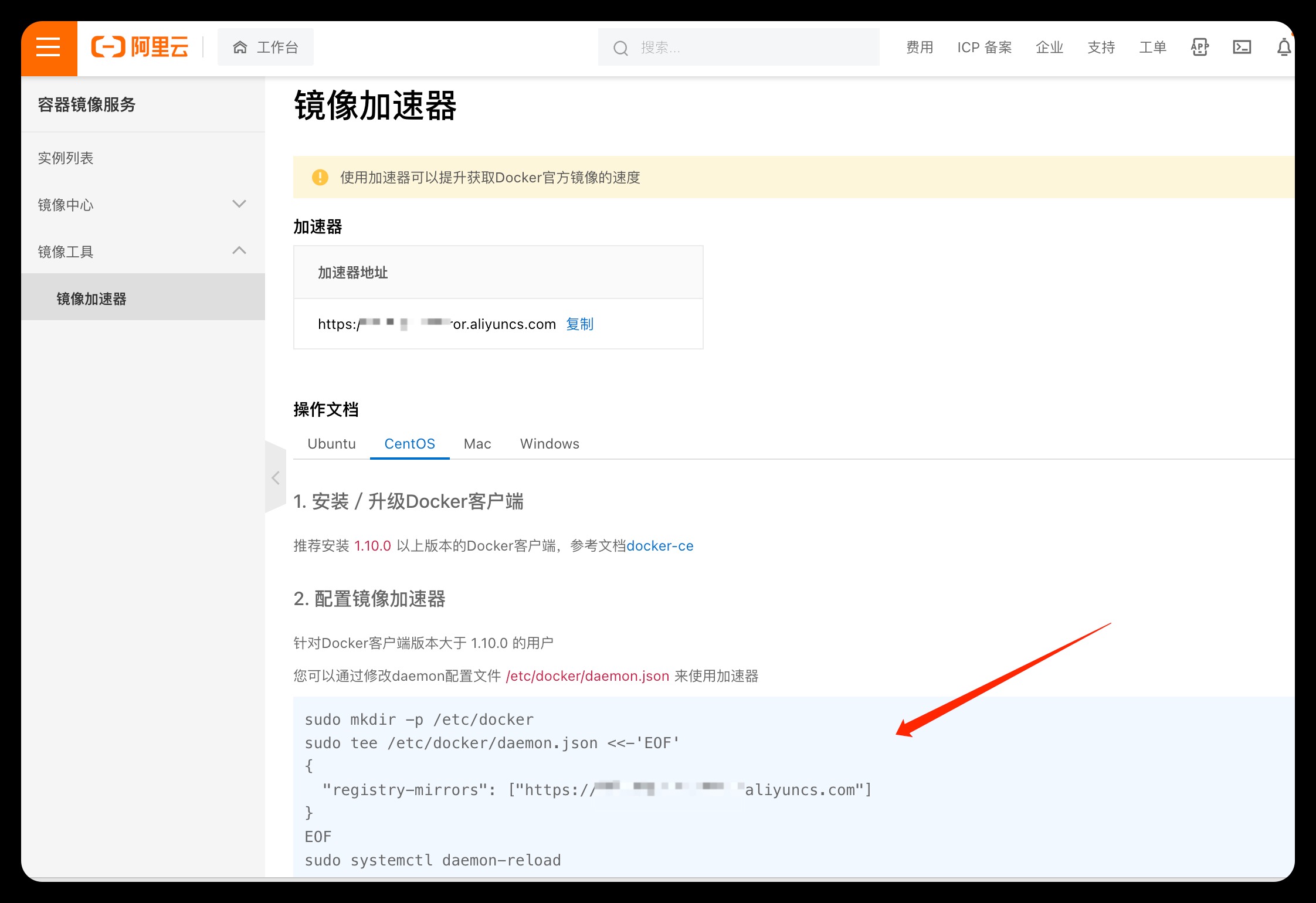
至此完成Linux Centos服务器上对docker的安装
评论
0 条—
还没有评论,来说第一句