Linux Docker 安装Nginx
AI 摘要鱼粮不足,AI 今天先歇着 · 正文在下面
一、简介
Nginx ("engine x")是一个高性能的HTTP和反向代理服务器,特点是占有内存少,并发能力强,事实上nginx的并发能力确实在同类型的网页服务器中表现较好。 Nginx专为性能优化而开发,性能是其最重要的考量,实现上非常注重效率,能经受高负载的考验,有报告表明能支持高达50000个并发连接数。这里我们主要讲以Docker的方式来安装Nginx。
二、教程
1、拉取镜像
powershell
docker pull nginx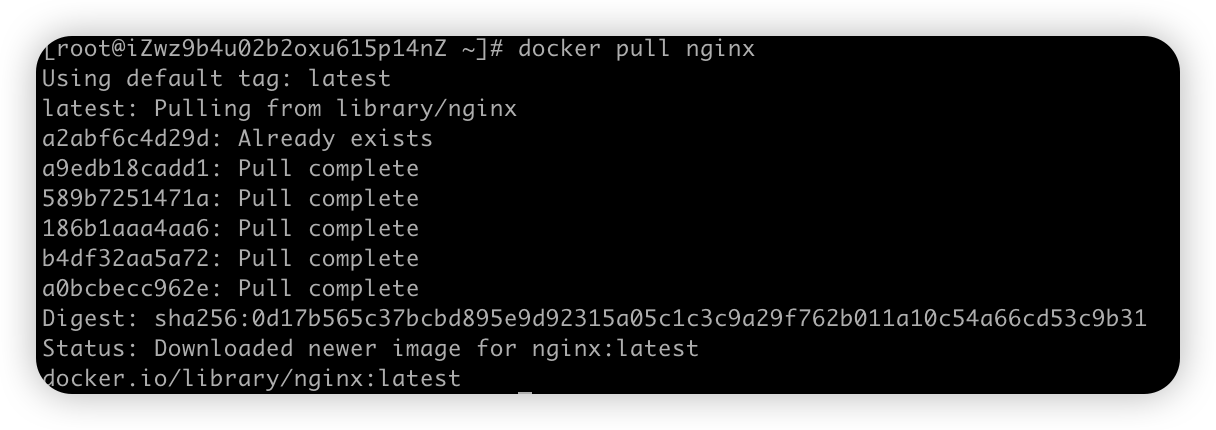
2、创建Nginx配置文件
2.1、创建挂载目录
powershell
mkdir -p /mydata/nginx/{conf,log,html}将容器中的nginx.conf和conf.d复制到宿主机
powershell
# 生成容器
docker run --name nginx -p 80:80 -d nginx
# 将容器nginx.conf文件复制到宿主机
docker cp nginx:/etc/nginx/nginx.conf /mydata/nginx/conf/nginx.conf
# 将容器conf.d文件夹下内容复制到宿主机
docker cp nginx:/etc/nginx/conf.d /mydata/nginx/conf/conf.d
# 将容器中的html文件夹复制到宿主机
docker cp nginx:/usr/share/nginx/html /mydata/nginx/
2.2、创建Nginx容器并执行
停止并删除容器
powershell
docker stop nginx
docker rm nginx
# 或者直接 docker rm -f nginx 可以删除正在运行的容器
重新创建新的容器并做挂载目录映射
powershell
docker run \
-p 80:80 \
--name nginx \
-v /mydata/nginx/conf/nginx.conf:/etc/nginx/nginx.conf \
-v /mydata/nginx/conf/conf.d:/etc/nginx/conf.d \
-v /mydata/nginx/log:/var/log/nginx \
-v /mydata/nginx/html:/usr/share/nginx/html \
-d nginx:latest
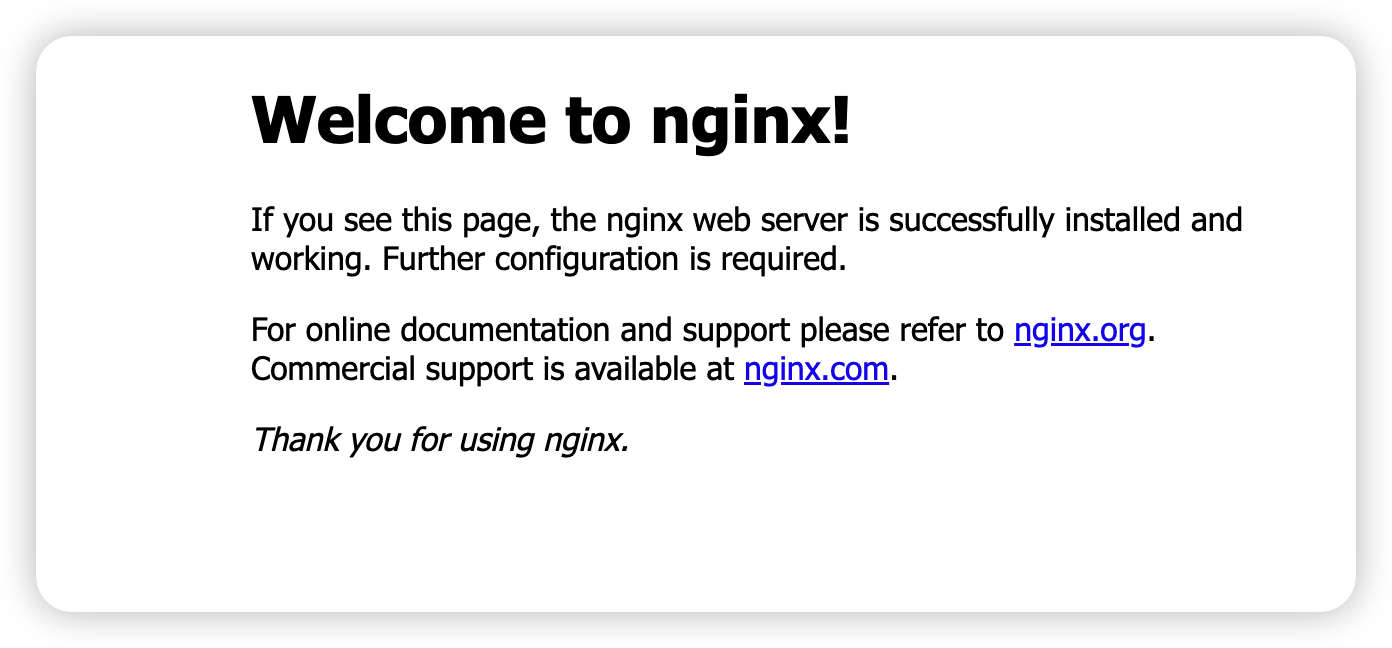
可以看到访问成功啦
评论
0 条—
还没有评论,来说第一句