解决Python使用pip安装库文件出现“Error:Cannot unpack file…”的情况
AI 摘要salmon-ai
本文详
问题
在学习opencv时安装相关依赖包是报错

解决
解决方法:
使用命令:pip install -i https://pypi.tuna.tsinghua.edu.cn/simple --trusted-host pypi.tuna.tsinghua.edu.cn 包名
如下:
sh
pip install -i https://pypi.tuna.tsinghua.edu.cn/simple --trusted-host pypi.tuna.tsinghua.edu.cn opencv-python opencv-contrib-python jupyter matplotlib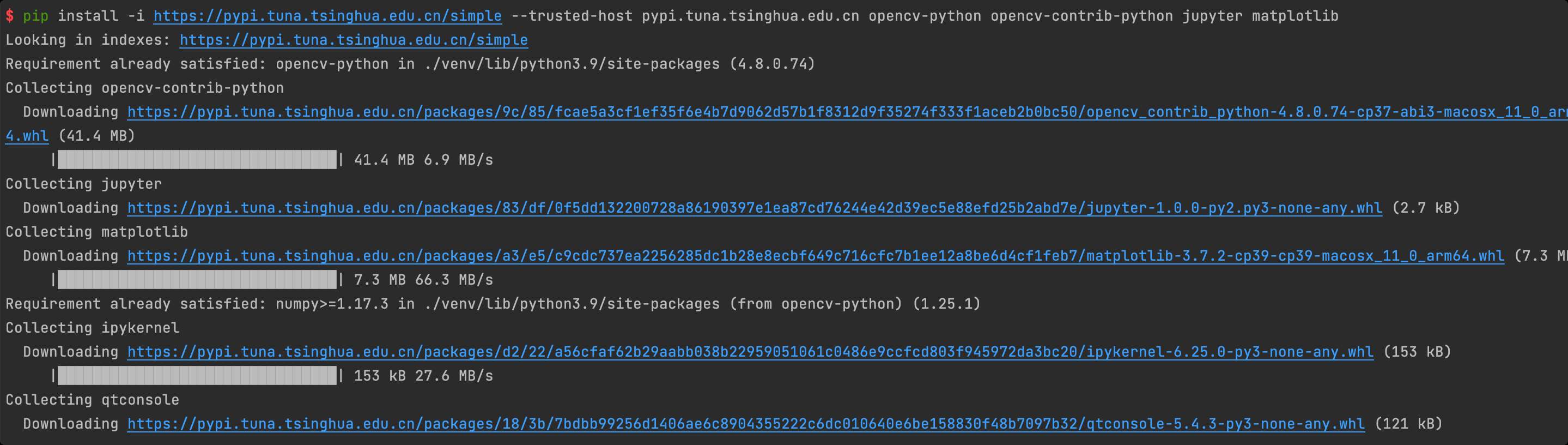
评论
0 条—
还没有评论,来说第一句