Vue 中使用 Highlight.js 自定义关键字高亮
AI 摘要鱼粮不足,AI 今天先歇着 · 正文在下面
前言
最近想自定义高亮显示markdown-it里shell代码片段,毕竟官方的 js 对一些常用第三方开发命令关键字并没有做高亮处理。
教程
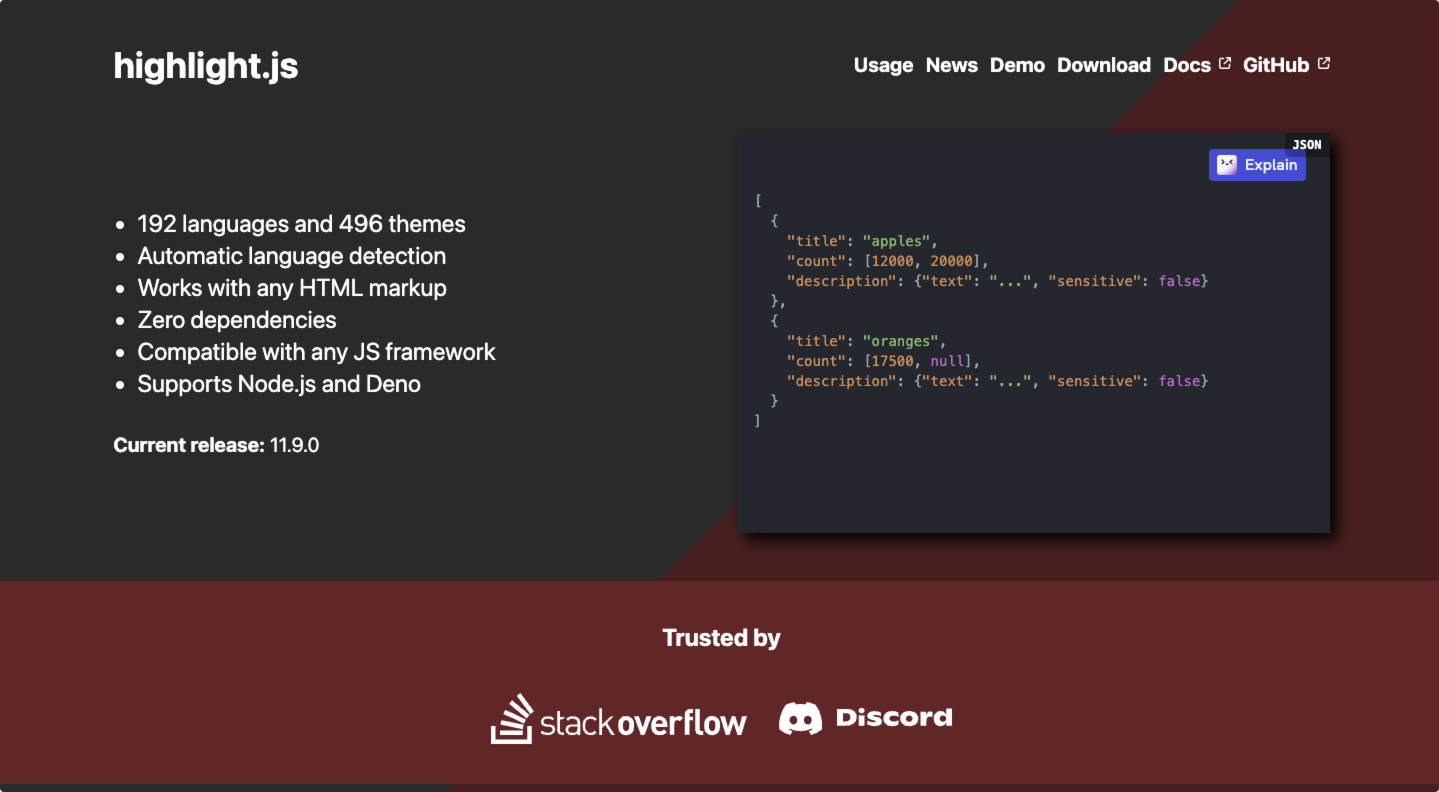
首先前往Highlight.js 官网
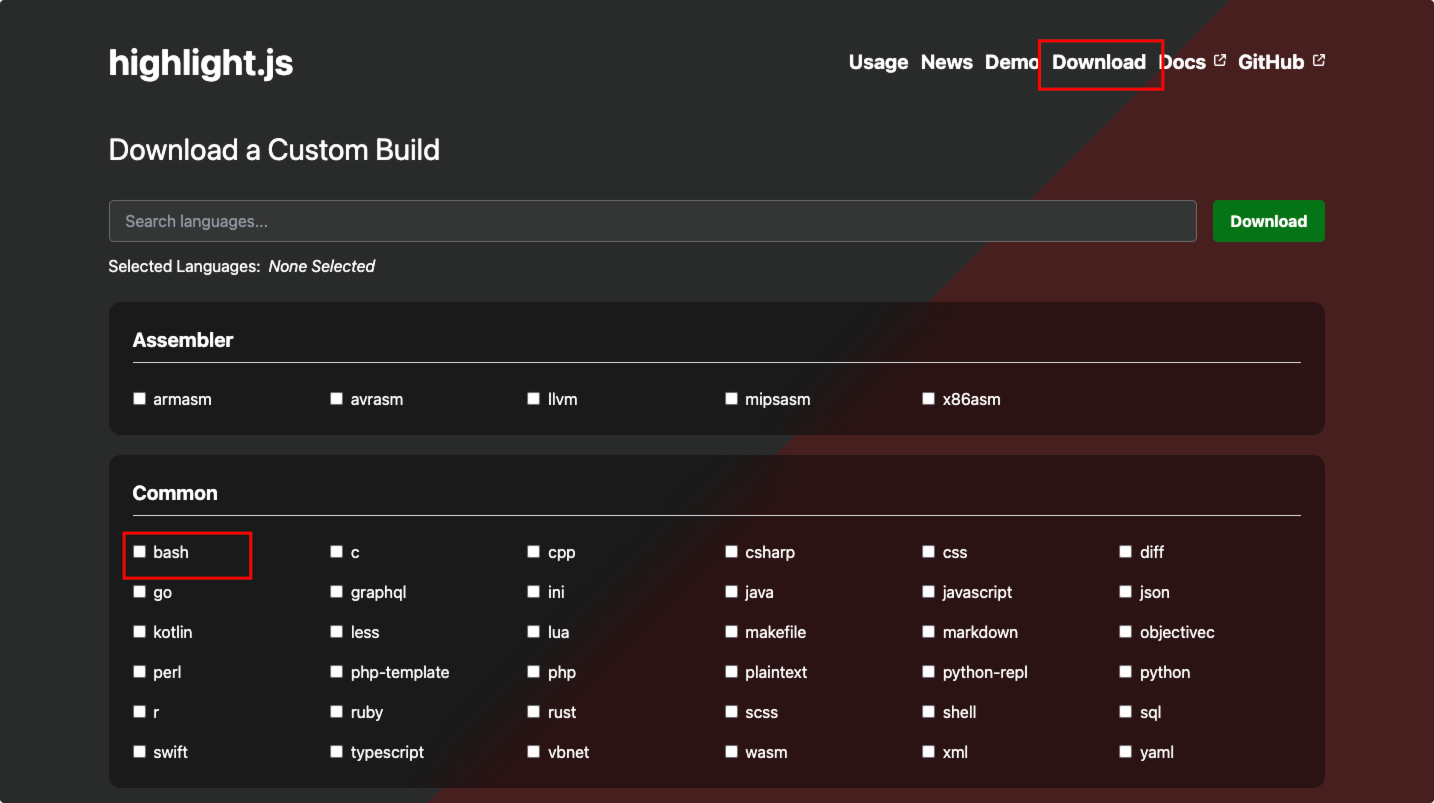
找到你需要自定义高亮的语言,比如我这里下载bash
下载后的bash高亮文件,找个目录存放,接着进行简单的调整,比如我这里调整了这块代码,增加对于geth、pip、brew、rustc等的支持。
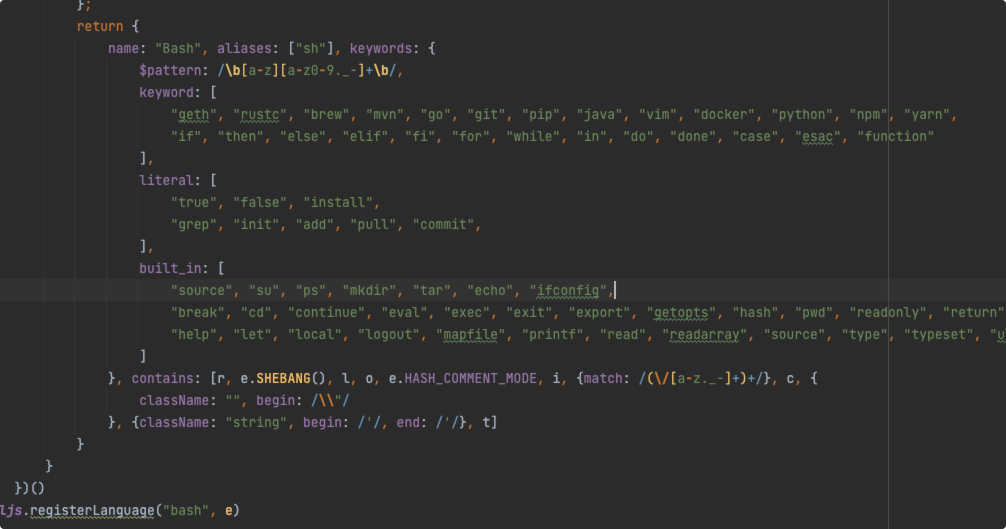
具体代码如下:
js
/*! `bash` grammar compiled for Highlight.js 11.7.0 */
const hljs = require("highlight.js");
(() => {
    var e = (() => {
            "use strict";
            return e => {
                const s = e.regex, t = {}, n = {
                    begin: /\$\{/,
                    end: /\}/, contains: ["self", {begin: /:-/, contains: [t]}]
                };
                Object.assign(t, {
                    className: "variable", variants: [{
                        begin: s.concat(/\$[\w\d#@][\w\d_]*/, "(?![\\w\\d])(?![$])")
                    }, n]
                });
                const a = {
                    className: "subst", begin: /\$\(/, end: /\)/, contains: [e.BACKSLASH_ESCAPE]
                }, i = {
                    begin: /<<-?\s*(?=\w+)/, starts: {
                        contains: [e.END_SAME_AS_BEGIN({
                            begin: /(\w+)/,
                            end: /(\w+)/, className: "string"
                        })]
                    }
                }, c = {
                    className: "string", begin: /"/, end: /"/,
                    contains: [e.BACKSLASH_ESCAPE, t, a]
                };
                a.contains.push(c);
                const o = {
                    begin: /\$?\(\(/,
                    end: /\)\)/, contains: [{begin: /\d+#[0-9a-f]+/, className: "number"}, e.NUMBER_MODE, t]
                }, r = e.SHEBANG({
                    binary: "(fish|bash|zsh|sh|csh|ksh|tcsh|dash|scsh)", relevance: 10
                }), l = {
                    className: "function", begin: /\w[\w\d_]*\s*\(\s*\)\s*\{/, returnBegin: !0,
                    contains: [e.inherit(e.TITLE_MODE, {begin: /\w[\w\d_]*/})], relevance: 0
                };
                return {
                    name: "Bash", aliases: ["sh"], keywords: {
                        $pattern: /\b[a-z][a-z0-9._-]+\b/,
                        keyword: [
                            "geth", "rustc", "brew", "mvn", "go", "git", "pip", "java", "vim", "docker", "python", "npm", "yarn",
                            "if", "then", "else", "elif", "fi", "for", "while", "in", "do", "done", "case", "esac", "function"
                        ],
                        literal: [
                            "true", "false", "install",
                            "grep", "init", "add", "pull", "commit",
                        ],
                        built_in: [
                            "source", "su", "ps", "mkdir", "tar", "echo", "ifconfig",
                            "break", "cd", "continue", "eval", "exec", "exit", "export", "getopts", "hash", "pwd", "readonly", "return", "shift", "test", "times", "trap", "umask", "unset", "alias", "bind", "builtin", "caller", "command", "declare", "echo", "enable",
                            "help", "let", "local", "logout", "mapfile", "printf", "read", "readarray", "source", "type", "typeset", "ulimit", "unalias", "set", "shopt", "autoload", "bg", "bindkey", "bye", "cap", "chdir", "clone", "comparguments", "compcall", "compctl", "compdescribe", "compfiles", "compgroups", "compquote", "comptags", "comptry", "compvalues", "dirs", "disable", "disown", "echotc", "echoti", "emulate", "fc", "fg", "float", "functions", "getcap", "getln", "history", "integer", "jobs", "kill", "limit", "log", "noglob", "popd", "print", "pushd", "pushln", "rehash", "sched", "setcap", "setopt", "stat", "suspend", "ttyctl", "unfunction", "unhash", "unlimit", "unsetopt", "vared", "wait", "whence", "where", "which", "zcompile", "zformat", "zftp", "zle", "zmodload", "zparseopts", "zprof", "zpty", "zregexparse", "zsocket", "zstyle", "ztcp", "chcon", "chgrp", "chown", "chmod", "cp", "dd", "df", "dir", "dircolors", "ln", "ls", "mkdir", "mkfifo", "mknod", "mktemp", "mv", "realpath", "rm", "rmdir", "shred", "sync", "touch", "truncate", "vdir", "b2sum", "base32", "base64", "cat", "cksum", "comm", "csplit", "cut", "expand", "fmt", "fold", "head", "join", "md5sum", "nl", "numfmt", "od", "paste", "ptx", "pr", "sha1sum", "sha224sum", "sha256sum", "sha384sum", "sha512sum", "shuf", "sort", "split", "sum", "tac", "tail", "tr", "tsort", "unexpand", "uniq", "wc", "arch", "basename", "chroot", "date", "dirname", "du", "echo", "env", "expr", "factor", "groups", "hostid", "id", "link", "logname", "nice", "nohup", "nproc", "pathchk", "pinky", "printenv", "printf", "pwd", "readlink", "runcon", "seq", "sleep", "stat", "stdbuf", "stty", "tee", "test", "timeout", "tty", "uname", "unlink", "uptime", "users", "who", "whoami", "yes"
                        ]
                    }, contains: [r, e.SHEBANG(), l, o, e.HASH_COMMENT_MODE, i, {match: /(\/[a-z._-]+)+/}, c, {
                        className: "", begin: /\\"/
                    }, {className: "string", begin: /'/, end: /'/}, t]
                }
            }
        })()
    ;hljs.registerLanguage("bash", e)
})();之后导入即可自定义高亮了
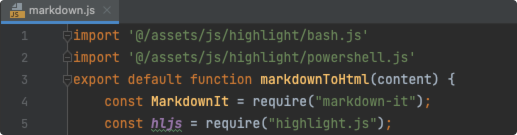
效果
没改之前


修改后


评论
1 条十点差三分2023-12-02
没研究明白,能教一下吗<img src= 'https://media.salmonedu.ltd/blog//emoji/%F0%9F%A4%94%E6%83%B3%E4%B8%80%E6%83%B3%2860%20x%2060%29.png' width='24'height='24' style='margin: 0 1px;vertical-align: text-bottom'/>