解决异常:No subject alternative names matching IP address 172.18.0.2 found
AI 摘要salmon-ai
本文详细解析了在在线修改 Elasticsearch 账号密码时出现的 “No subject alternative names matching IP address 172.18.0.2 f
异常
在线上修改 es 账号的密码时出现错误
sh
elasticsearch@1912c890d445:~$ bin/elasticsearch-reset-password -u elastic
07:15:09.706 [main] WARN  org.elasticsearch.common.ssl.DiagnosticTrustManager - failed to establish trust with server at [172.18.0.2]; the server provided a certificate with subject name [CN=862c8e26f47a], fingerprint [7c16756f15019491713f36db2ce17f3e7c38cd64], no keyUsage and no extendedKeyUsage; the session uses cipher suite [TLS_AES_256_GCM_SHA384] and protocol [TLSv1.3]; the certificate has subject alternative names [DNS:localhost,IP:127.0.0.1,DNS:862c8e26f47a,IP:172.17.0.9]; the certificate is issued by [CN=Elasticsearch security auto-configuration HTTP CA]; the certificate is signed by (subject [CN=Elasticsearch security auto-configuration HTTP CA] fingerprint [6038d15f9fef1d96a200498bc3e2ab62cbd4ec17] {trusted issuer}) which is self-issued; the [CN=Elasticsearch security auto-configuration HTTP CA] certificate is trusted in this ssl context ([xpack.security.http.ssl (with trust configuration: Composite-Trust{JDK-trusted-certs,StoreTrustConfig{path=certs/http.p12, password=<non-empty>, type=PKCS12, algorithm=PKIX}})])
java.security.cert.CertificateException: No subject alternative names matching IP address 172.18.0.2 found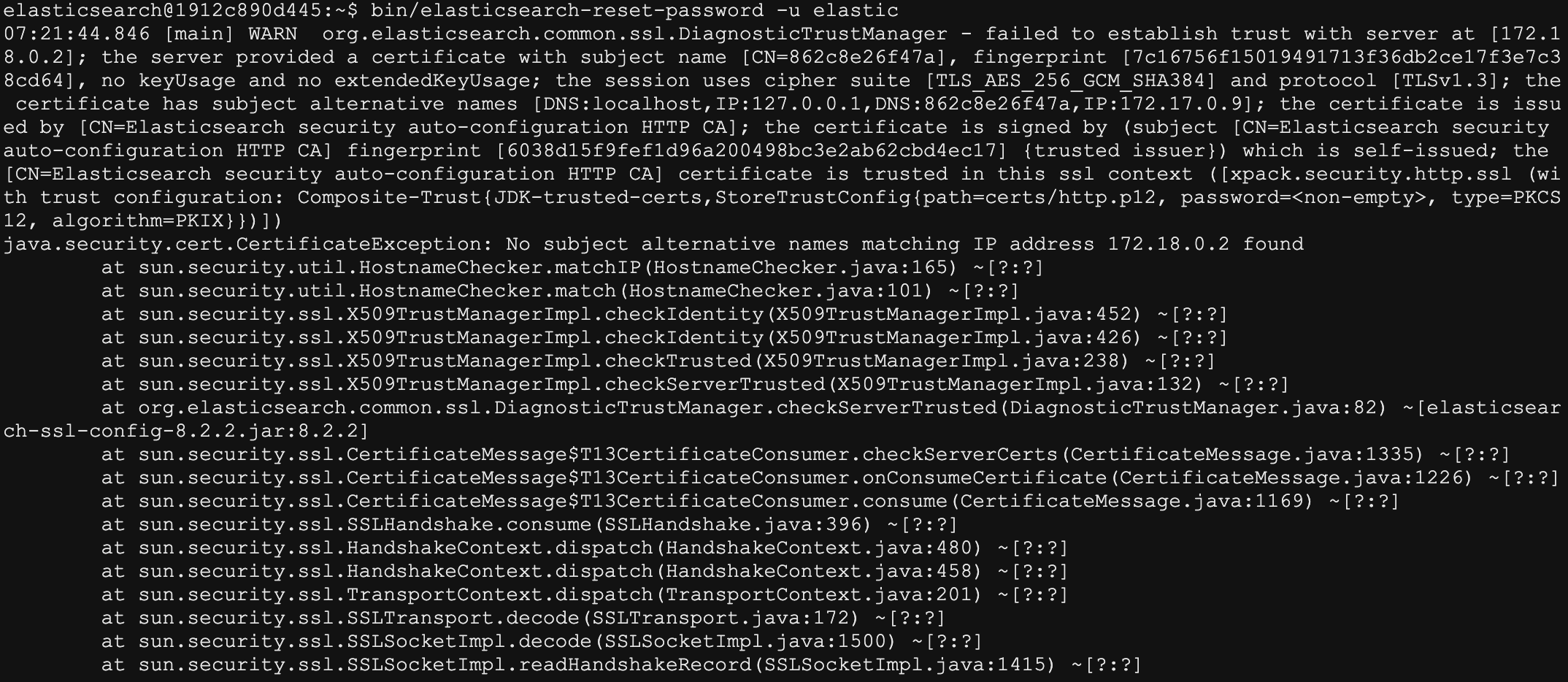
解决
如果集群使用 TLS/SSL 作为 HTTP 接口,但该 elasticsearch-setup-passwords 命令尝试建立非安全连接,请使用 --url 命令选项显式指定 HTTPS URL。
sh
bin/elasticsearch-reset-password -u elastic -i --url https://localhost:9200
参考:https://www.elastic.co/guide/en/elasticsearch/reference/current/trb-security-setup.html
评论
0 条—
还没有评论,来说第一句