解决异常:Fatal Python error: init_fs_encoding: failed to get the Python codec xxx
AI 摘要salmon-ai
本文详细解析了“Fatal Python error: init_fs_encoding: failed t
问题
最近有学生电脑的 python 环境由于误操作,删除一些关键环境变量信息,导致报错
bat
pytorch2.3.1) C:\Users\jenny>python
Python path configuration:
  PYTHONHOME = (not set)
  PYTHONPATH = (not set)
  program name = 'python'
  isolated = 0
  environment = 1
  user site = 1
  import site = 1
  sys._base_executable = 'C:\\Users\\jenny\\.conda\\envs\\pytorch2.3.1\\python.exe'
  sys.base_prefix = 'C:\\Users\\jenny\\.conda\\envs\\pytorch2.3.1'
  sys.base_exec_prefix = 'C:\\Users\\jenny\\.conda\\envs\\pytorch2.3.1'
  sys.platlibdir = 'lib'
  sys.executable = 'C:\\Users\\jenny\\.conda\\envs\\pytorch2.3.1\\python.exe'
  sys.prefix = 'C:\\Users\\jenny\\.conda\\envs\\pytorch2.3.1'
  sys.exec_prefix = 'C:\\Users\\jenny\\.conda\\envs\\pytorch2.3.1'
  sys.path = [
    'C:\\Users\\jenny\\.conda\\envs\\pytorch2.3.1\\python39.zip',
    'C:\\Users\\jenny\\.conda\\envs\\pytorch2.3.1\\DLLs',
    'C:\\Users\\jenny\\.conda\\envs\\pytorch2.3.1\\lib',
    'C:\\Users\\jenny\\.conda\\envs\\pytorch2.3.1',
  ]
Fatal Python error: init_fs_encoding: failed to get the Python codec of the filesystem encoding
Python runtime state: core initialized
Traceback (most recent call last):
  File "C:\Users\jenny\.conda\envs\pytorch2.3.1\lib\encodings\__init__.py", line 31, in <module>
  File "C:\Users\jenny\.conda\envs\pytorch2.3.1\lib\codecs.py", line 318
    def setstate(self, state):
    ^
IndentationError: expected an indented block

(pytorch2.3.1) C:\Users\jenny>
意思是这个标准库文件中出现了语法错误(IndentationError),即:
❗codecs.py 文件被意外修改或损坏(如被编辑器误保存、磁盘出错或误删部分环境变量后恢复失败)。
解决
1、删除环境
打开 Anaconda Prompt,执行以下命令删除环境
bash
conda remove -n pytorch2.3.1 --all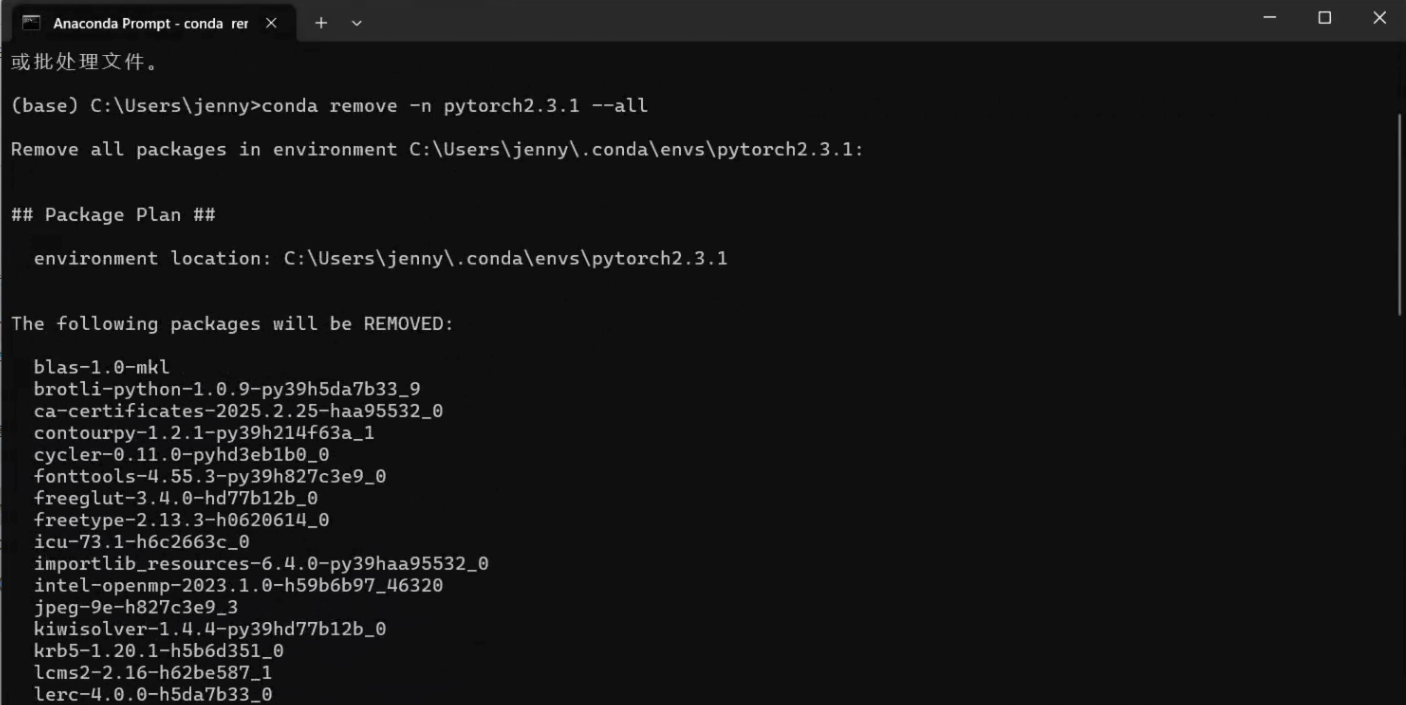
2、重新创建
bat
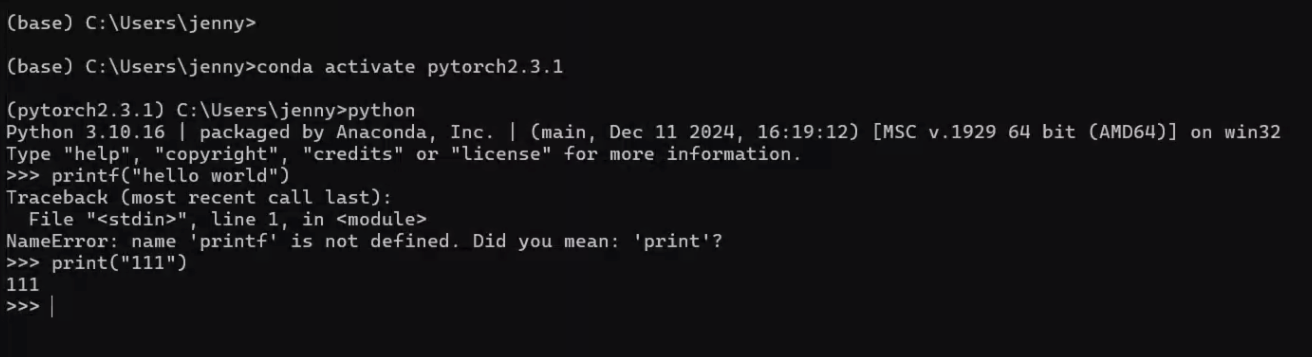
conda create -n pytorch2.3.1 python=3.10
3、安装 PyTorch(可选)
bat
conda activate pytorch2.3.1
# CPU-only 安装
pip install torch torchvision torchaudio
# 或者 CUDA 版本(例如 11.8)
# pip install torch torchvision torchaudio --index-url https://download.pytorch.org/whl/cu118评论
0 条—
还没有评论,来说第一句